Creating a home workspace that feels both relaxing and productive is essential for anyone working or studying from home. A well-designed area can help reduce stress, increase focus, and improve your overall work experience. Whether you have a dedicated room or just a corner of your living space, there are practical steps you can take to craft the ideal environment. Here are some tips to get started.
Choose the Right Location
The first step is selecting a spot in your home where you can work comfortably and with minimal distractions.
– Quiet Space: Look for a quiet area away from high-traffic zones.
– Natural Light: Position your desk near a window if possible. Natural light boosts mood and energy.
– Ventilation: Ensure the space has good air circulation to keep you feeling fresh.
If space is limited, use room dividers or screens to designate your workspace.
Invest in Comfortable Furniture
Comfort directly impacts your ability to work well for extended periods.
– Ergonomic Chair: Choose a chair that supports your back and promotes good posture.
– Adjustable Desk: If possible, get a desk with adjustable height or a sit-stand option.
– Proper Desk Size: Make sure your desk has enough surface area for your computer, documents, and other essentials without feeling cramped.
Adding supportive accessories like a footrest or wrist rests can further enhance comfort.
Organize Your Workspace Efficiently
Clutter can be distracting and stressful.
– Use Storage Solutions: Shelves, drawers, and organizers help keep items tidy and accessible.
– Minimize Items: Only keep what you use daily on your desk.
– Cable Management: Use clips or sleeves to keep cords organized and out of sight.
A clean and organized space encourages clear thinking and productivity.
Personalize Your Space Without Overdoing It
Personal touches can make your workspace feel inviting without causing distraction.
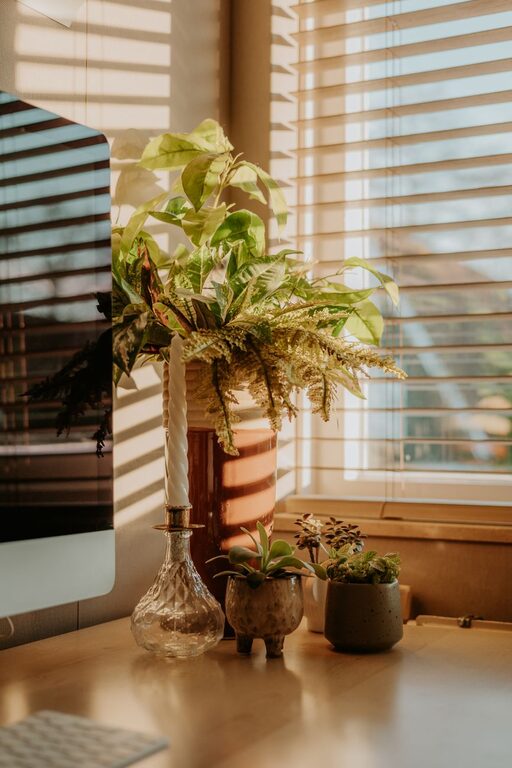
– Add Plants: Small indoor plants improve air quality and add a calming element.
– Decor Items: Choose calming colors and meaningful decor to inspire you.
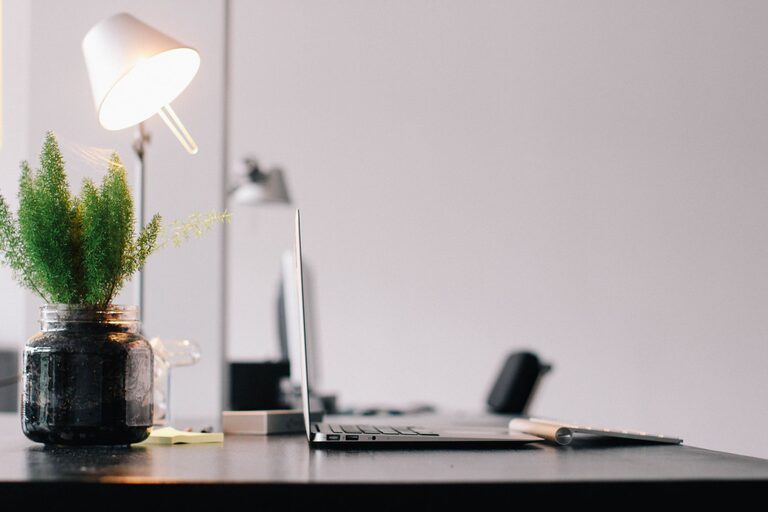
– Lighting: Use a desk lamp with adjustable brightness for evenings or cloudy days.
Avoid excess decorations that might divert your attention.
Control Noise Levels
Noise can either help or hinder your concentration.
– Noise-Cancelling Headphones: These are great for blocking out background sound.
– Soft Background Music: Some people find instrumental or nature sounds helpful.
– Soundproofing: Use rugs, curtains, or acoustic panels to minimize echoes.
Experiment to find what noise level helps you focus best.
Maintain a Healthy Routine
Your workspace design contributes to your habits but so does your routine.
– Take Regular Breaks: Stand, stretch, or walk around every hour to reduce fatigue.
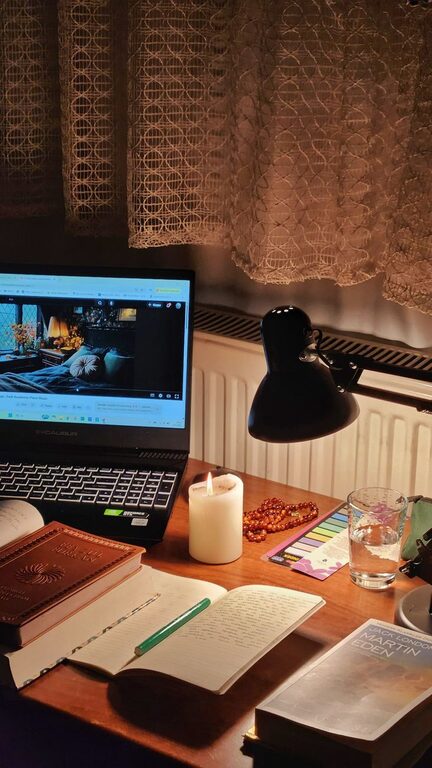
– Keep Hydrated: Have water nearby to stay refreshed.
– Set Work Hours: Define clear start and end times to separate work and relaxation.
A balanced routine keeps both your body and mind in good shape.
Use Technology Wisely
Technology can boost productivity but also be a source of distraction if not managed.
– Proper Equipment: Make sure your computer, keyboard, and monitor fit your needs.
– Organizational Tools: Use productivity apps or timers to stay on track.
– Limit Notifications: Turn off unnecessary alerts during work periods.
Choose tools that support your workflow, not interrupt it.
Keep It Clean and Comfortable
A tidy, comfortable workspace promotes a positive mindset.
– Regular Cleaning: Dust and wipe your surfaces weekly.
– Comfort Items: Consider a small fan, heater, or air purifier depending on your climate.
– Adjustable Environment: Control room temperature and lighting to suit your comfort.
Taking care of your workspace reflects in your work quality.
—
Designing a relaxing home workspace takes some thoughtful planning but pays off with better comfort and productivity. By choosing the right location, investing in ergonomic furniture, organizing effectively, and maintaining a pleasant environment, you set yourself up for success. Remember, your workspace should support your work and well-being every day. Experiment with these tips and adjust according to what feels best for you.
About the Author